World update May 18 - one year later
Monday, May 18, 2026 @ 20:56
It's been a long time since my last post, almost a year now.
This update (26.05.18) contains nowhere near an entire year's worth of work, but I released the first public version of vorfract a year ago and I thought that an update was in order.
In the meantime, I did experiment with adding things like smooth terrain, caves and trees, a new tool type and a few other things, but none of them work well enough to include them in this release.
But, there is a feature here that was very important for me and for how I imagined the world should look like: the cell edges.
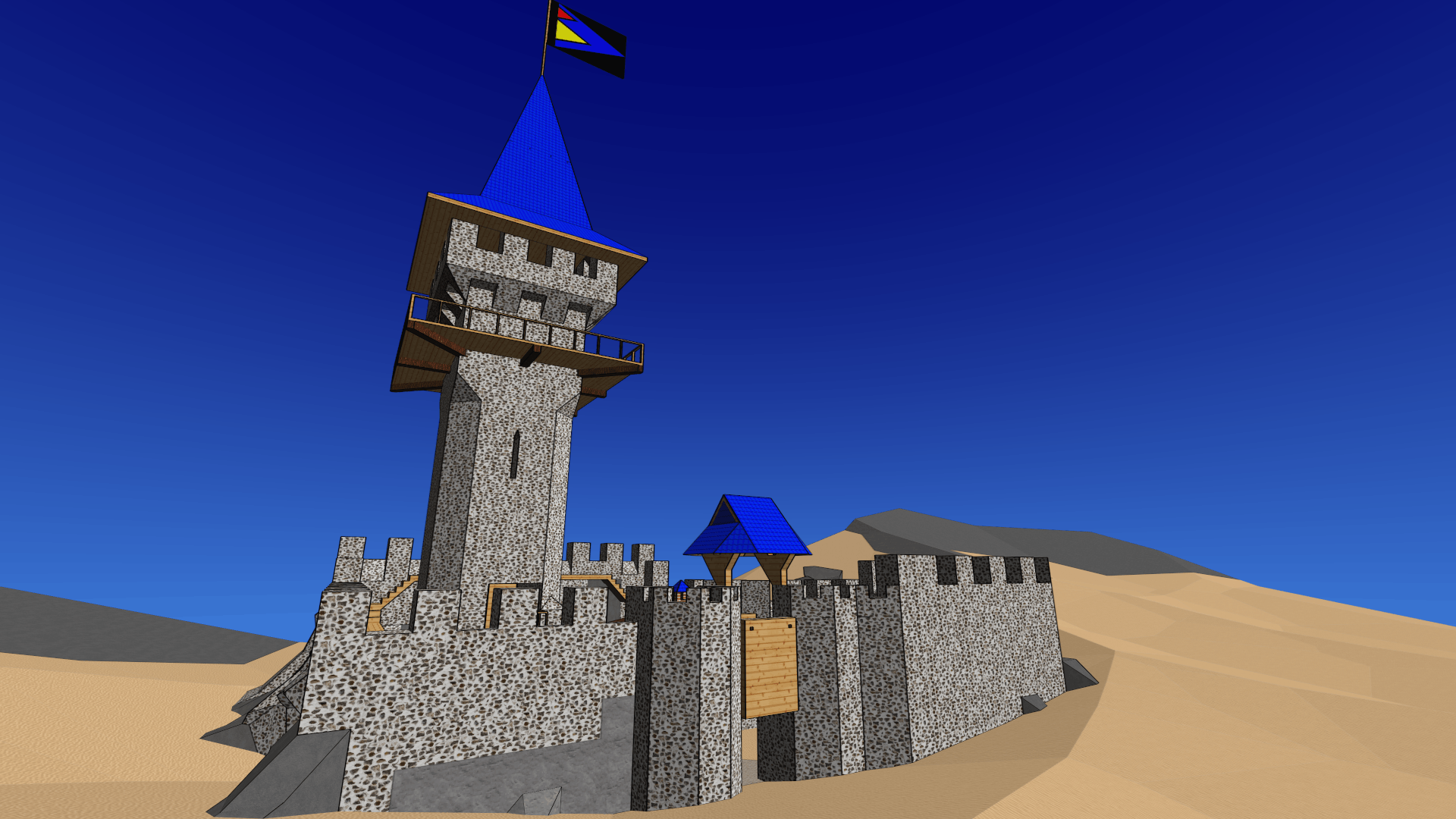
Until now, the edges were drawn indiscriminately around a cell regardless of its neighbors, but from now on, every edge drawn takes into account the angle and the materials between its two adjacent faces.
It still doesn't work perfectly (some edges are still not drawn when they *should* be and some are drawn when they *shouldn't* be), but already this looks so much better in my opinion.
It took me a long time to even get to this point, but I felt it was necessary as it was really bugging me. And now it finally looks (almost) as I wanted it to, edgewise.
What's new from the previous version (25.06.29):
- A new map version for both text and binary map formats. Incompatibilities between the two map versions can be fixed by hand by saving in the text map format and then comparing the header fields.
- I added a new random number generator. Because this one has 64-bit output while the previous had 32-bit, the binary map format (*.kxmds) needed to be changed to accommodate this, as it stores the seed.
- The Windows version is now 64-bit because the edges require a *lot* more memory than before and maps that used to work in 32-bit now do not (because of out of memory). All this is technically only needed while a block is being generated (or modified) and after that the memory can be released, but it's quite a bit of work to actually implement this optimization. Still, to be fixed (eventually).
- Improved the export tool. It's still limited to one block and can only be loaded back as a separate map. The corresponding import tool (to import objects like chairs and tables into an existing map) will arrive at some point, but it's a lot more complex than the export tool so it's not ready yet.
- The saw tool has been split into the linear-saw and the angular-saw. The angular-saw allows you to select the cutting plane by defining it using three points. Visually, it works best when the points are cell nexuses, as it neatly aligns with the other existing faces, but they can also be arbitrary non-nexus points, which would result in an arbitrary cutting plane of course.
- Fixed (a big part of) the drawing issues with the cell edges. When modifying cells (breaking / unbreaking / digging / filling / etc), it still doesn't work very well as some edges aren't drawn when they should be and some old edges remain as ghost edges when they should be removed. The edge code ended up being pretty complex and unwieldy, but the remaining issues will be fixed eventually. For now the fix is to save and reload. That makes the edges look as good as they possibly can look in this version.
- Some maps were loading (much) slower than they used to. One was loading in 33 seconds instead of 10s like it used to. I had replaced my custom hash function with XXHash32, but for some reason XXHash32::hash is 3 times slower than my custom hash combining solution. I didn't feel like investigating why that was (I was hoping XXHash32 would be a simple drop in replacement) so I just reverted to the custom hash I had before and it seems to work well enough for now.
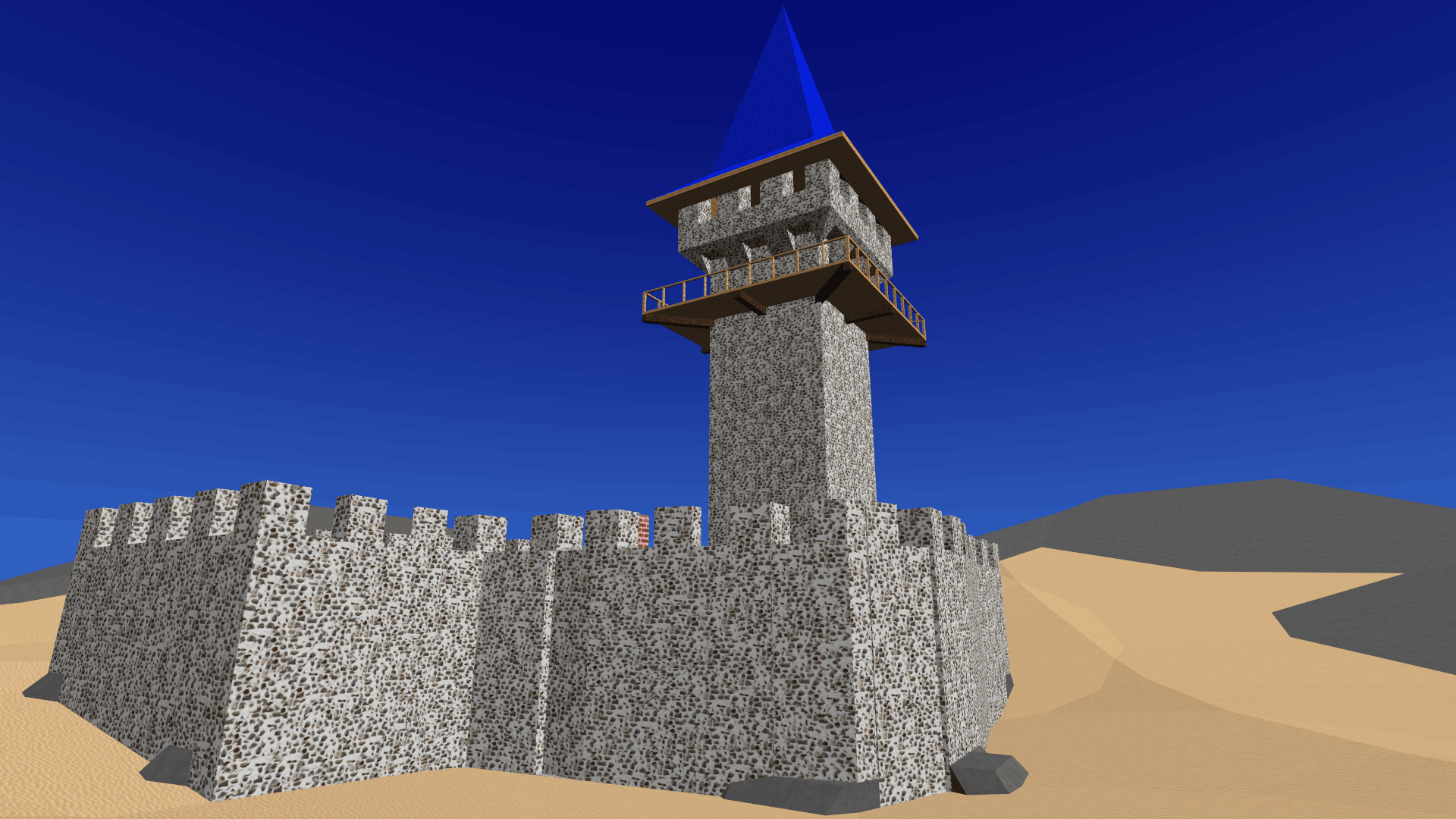
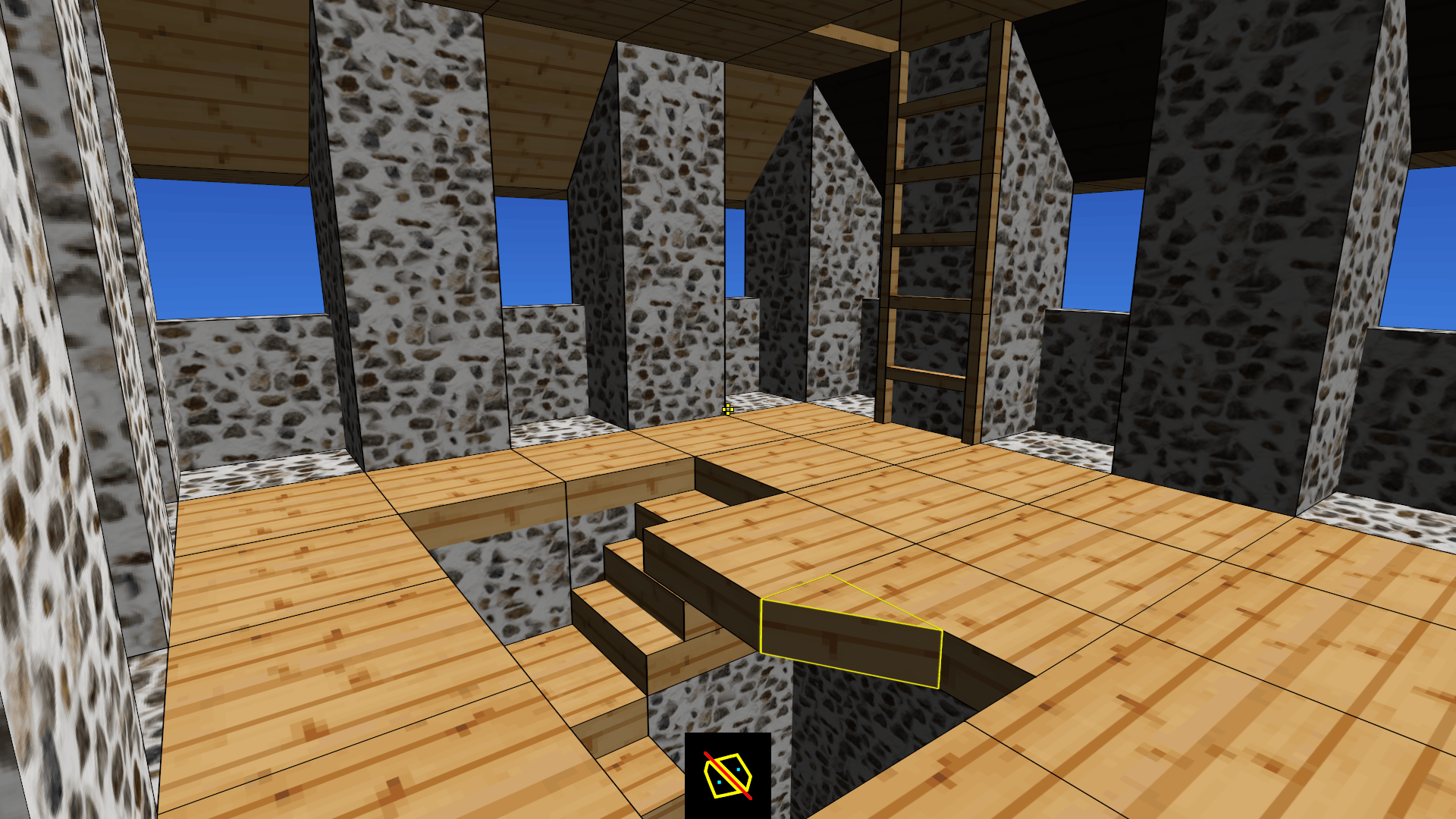
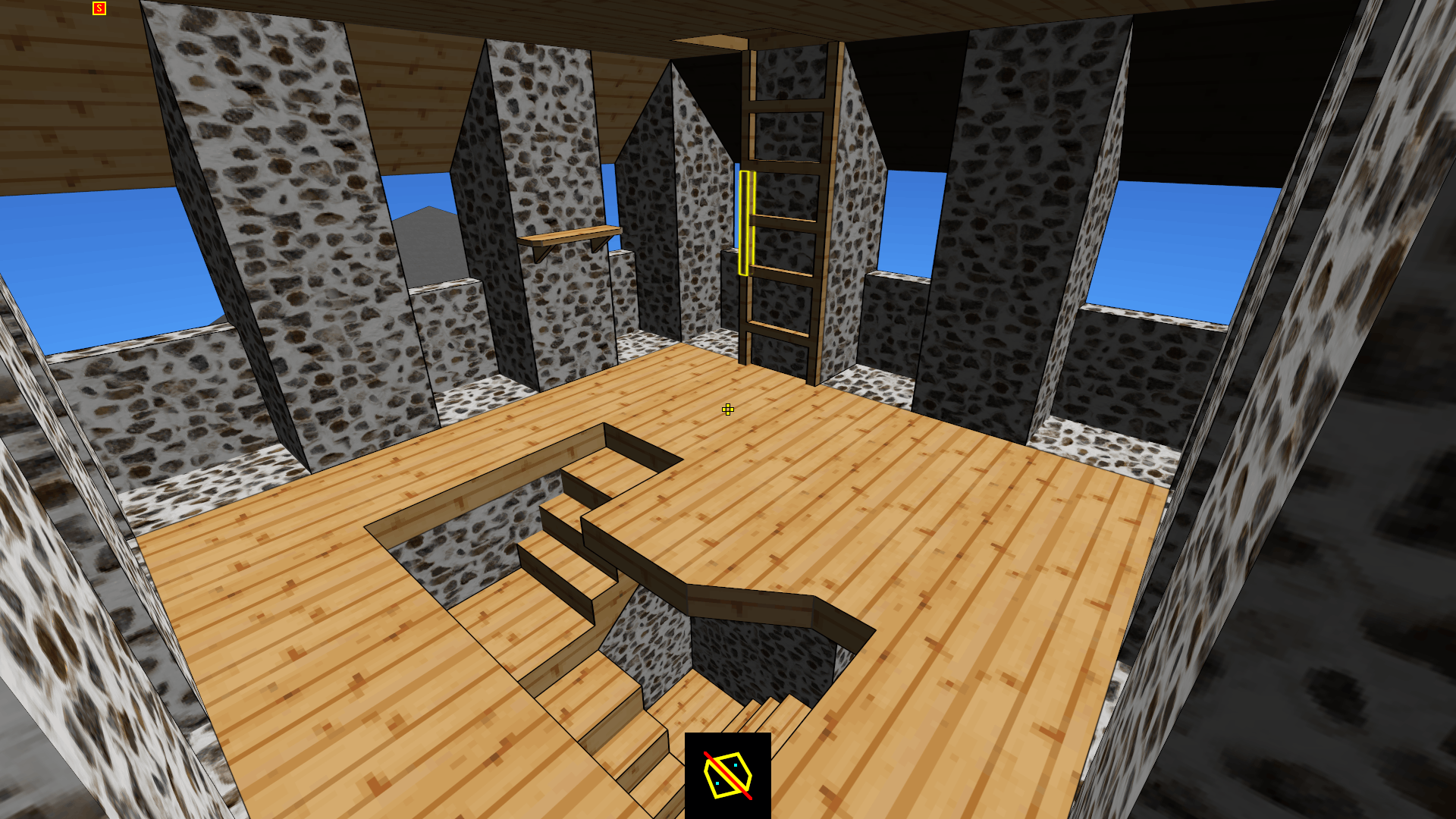
- Cleaned up and renovated the starting map castle.
Known (and major) issues:
- Sometimes after breaking or unbreaking a cell, the player location/navigation (the yellow cell outlining) doesn't work properly anymore (because the player position is incorrect). Continuing to work when the navigation has stopped working properly will eventually result in a crash and might also corrupt the map with cells in an invalid state, which can be pretty bad and tricky to fix. The solution is to either turn collisions (physics) off and on or to (again) just save and reload once it's obvious that the navigation stopped working. This will be fixed with *priority*.
- The grid digger still has the same difficulty in breaking certain cell shapes. I still use the same workaround even now, which is to first fill the target cell with material using the regular (cell) digger, and then use the grid digger to chop it to fit into the grid. It's kind of frustrating, but at least it works. This will eventually be fixed. At some point.
- The cell reshaper doesn't work with the collisions (physics) turned on. Even turned off, it will still crash a lot of times. This tool can produce some interesting effects (when it works) but will take some time to fix and get working properly.
- Various random crashes still occur from time to time, but I haven't been able to reliably reproduce them yet for a fix.
- Theoretically, the precision and level of detail that can be achieved is microscopic (maybe even smaller with double precision floats), but in practice various numeric/floating-point and other bugs/issues will get in the way long before reaching that limit. This might be addressed in the future, but is not a current priority.